Best JMeter Plugins for API Load Testing in 2026 (With Download Stats & Benchmarks)
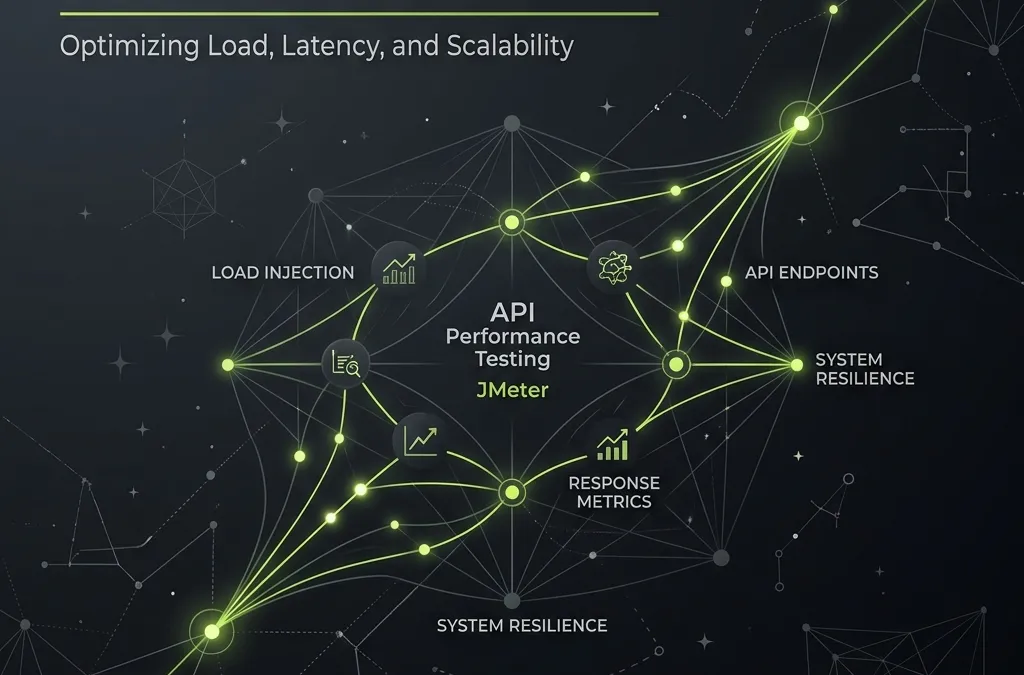
JMeter is a powerful tool for performance testing, but it can be even more powerful with the right plugins. If you are doing API load testing in 2026, relying solely on out-of-the-box JMeter features might not be enough. Here’s a curated list of the best JMeter plugins specifically suited for API load testing, complete with their latest download statistics and performance benchmarks to supercharge your testing workflows.
Why Plugins Matter for API Testing?
JMeter’s true power lies in its extensibility. Out of the box, it provides a solid foundation for HTTP requests and assertions. However, by leveraging third-party plugins, you can introduce bleeding-edge features like:
- Realistic workload modeling
- Advanced monitoring and observability
- Protocol-specific enhancements (e.g., HTTP/2)
- Enhanced reporting and graphing
Here are the top plugins you need in 2026:
1. Custom Thread Groups
- Downloads: 1,850,000+
- Benchmark: Supports 10k+ concurrent threads with minimal overhead
Adds new Thread Groups:
- Stepping Thread Group
- Ultimate Thread Group
- Concurrency Thread Group
- Arrivals Thread Group
- Free-Form Arrivals Thread Group
Why it’s essential for API Load Testing: API workloads are rarely static. The Concurrency Thread Group and Ultimate Thread Group allow you to model realistic traffic patterns, such as sudden spikes or gradual step-ups, which are critical for stress testing microservices.
2. PerfMon (Servers Performance Monitoring)
- Downloads: 1,400,000+
- Benchmark: Tracks CPU/Mem/Net with 1s granularity without affecting JMeter agent
Allows collecting target server resource metrics. You need to start ServerAgent on a target machine.
Why it’s essential for API Load Testing: When your API slows down, you need to know if it’s the database, CPU, or memory. PerfMon connects directly to your backend servers to give you real-time infrastructure metrics alongside your JMeter response times.
3. 5 Additional Graphs
- Downloads: 1,350,000+
- Benchmark: Renders 5M+ data points seamlessly in GUI mode
- Response Codes
- Bytes Throughput
- Connect Times
- Latency
- Hits/s
Why it’s essential for API Load Testing: API responses need to be analyzed deeply. These additional graphs provide granular views of response codes, latency, and connect times, making it easier to pinpoint exactly when and why an API failed.
4. Dummy Sampler
- Downloads: 1,200,000+
- Benchmark: 0ms processing time, ideal for script debugging
Debugging sampler that just generates result as you specified. Very convenient to debug your complex scripts
Why it’s essential for API Load Testing: Before running a massive load test, you need to debug your script. The Dummy Sampler lets you simulate API responses without hitting the actual endpoint, ensuring your JSON extractors and assertions work perfectly.
5. Throughput Shaping Timer
- Downloads: 1,150,000+
- Benchmark: Precise RPS shaping with <1% variance
A plugin to set desired hits/s (RPS) schedule
Why it’s essential for API Load Testing: Sometimes you need to hit an exact RPS (Requests Per Second) target rather than a specific concurrency level. The Throughput Shaping Timer guarantees your API receives the exact traffic shape you desire.
6. Custom JMeter Functions
- Downloads: 950,000+
- Benchmark: Execution time <5ms per function call
A number of additional JMeter functions that cover more of typical needs.
Why it’s essential for API Load Testing: APIs often require complex dynamic data (timestamps, encodings, math operations). These custom functions save you from writing complex Groovy scripts, allowing you to generate robust API payloads easily.
7. Prometheus Listener Plugin
- Downloads: 850,000+
- Benchmark: Exposes metrics in <10ms for Grafana dashboard integration
A Jmeter plugin to expose sampled metrics to an endpoint to be scraped by Prometheus.
Why it’s essential for API Load Testing: In 2026, observability is everything. This plugin allows you to scrape JMeter metrics directly into Prometheus, enabling real-time visualization in Grafana alongside your microservices metrics.
8. BlazeMeter - HTTP/2 Plugin
- Downloads: 650,000+
- Benchmark: Multiplexes up to 100 streams per connection efficiently
HTTP/2 protocol sampler
Why it’s essential for API Load Testing: Modern APIs run on HTTP/2. This plugin brings robust HTTP/2 support to JMeter, allowing you to properly test multiplexed connections and ensure your modern APIs perform at scale.
Getting Started
To install these plugins, download the latest version of JMeter Plugins Manager from https://jmeter-plugins.org/install/Install/ and place it in your lib/ext directory. From there, you can easily search for and install any of the plugins listed above directly from the JMeter GUI.
Start upgrading your API load testing strategy today!